

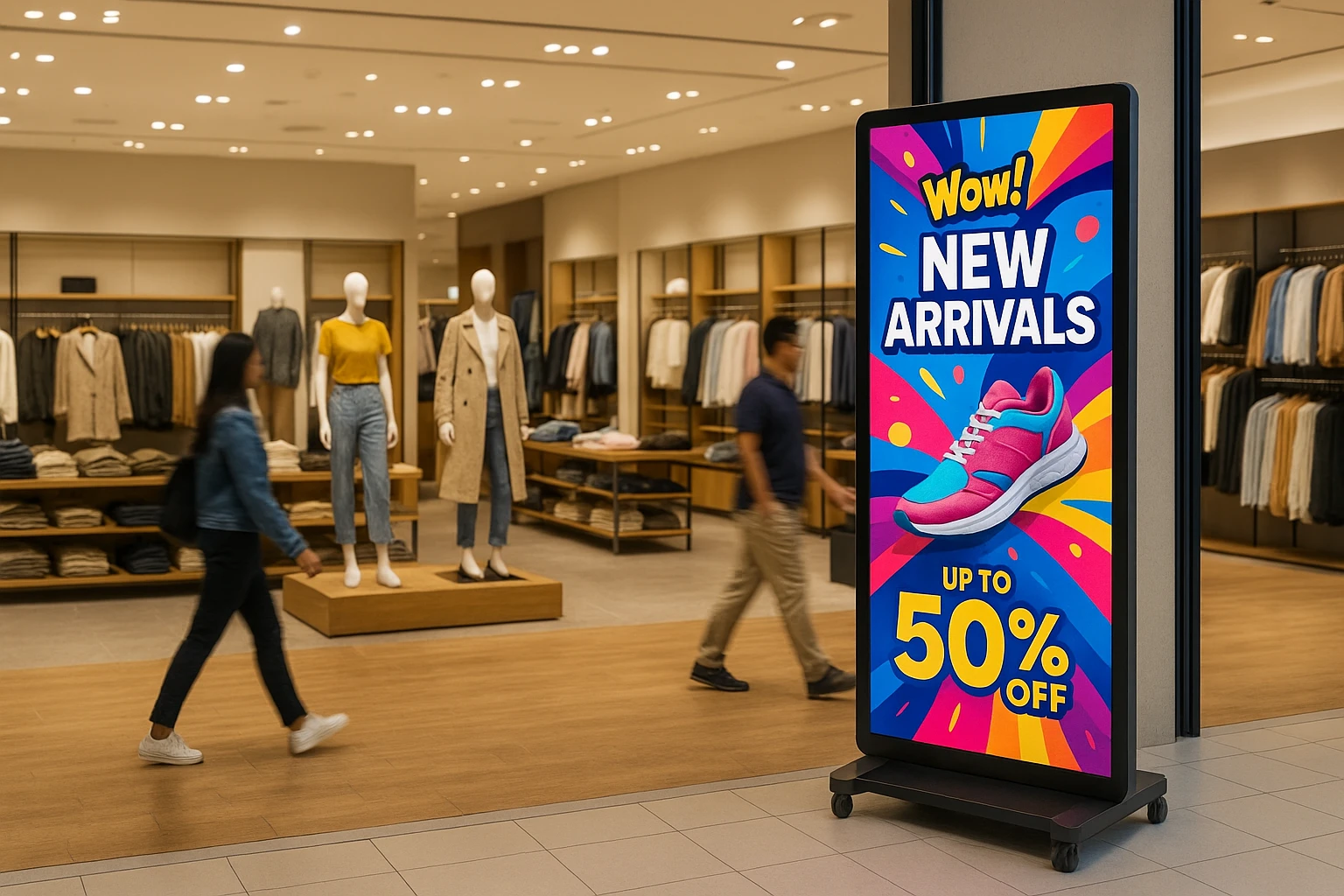
Printed posters are inexpensive and familiar, but they become limiting when promotions change frequently.
Every new campaign requires another round of design, printing, delivery and replacement. For businesses that update menus, promotions, events or product launches regularly, a standing digital display can provide a much more flexible alternative.
Standing digital displays are commonly used in Singapore retail stores, restaurants, shopping malls, corporate offices, showrooms and event spaces because they combine a large commercial screen with a freestanding enclosure.
But screen size alone should not determine which display you buy.
Before purchasing one, businesses should consider viewing distance, brightness, content management, operating hours, placement, warranty and how frequently the screen needs to be updated.
This guide explains what to look for when choosing a standing digital display in Singapore.
What Is a Standing Digital Display?
A standing digital display is a commercial LCD screen built into a freestanding enclosure.
Unlike a wall-mounted television, it does not normally require permanent wall mounting and can be positioned in areas where customers naturally walk or wait.
It can display content such as:
- Promotions
- Digital posters
- Menus
- Product launches
- Event information
- Videos
- Advertisements
- Corporate announcements
- Wayfinding information
- Branding content
Depending on the system, content can be uploaded through USB, Wi-Fi, LAN, mobile applications or cloud-based content management platforms.
This makes standing displays useful for businesses that need to change content regularly without replacing printed materials.
Where Are Standing Digital Displays Commonly Used?
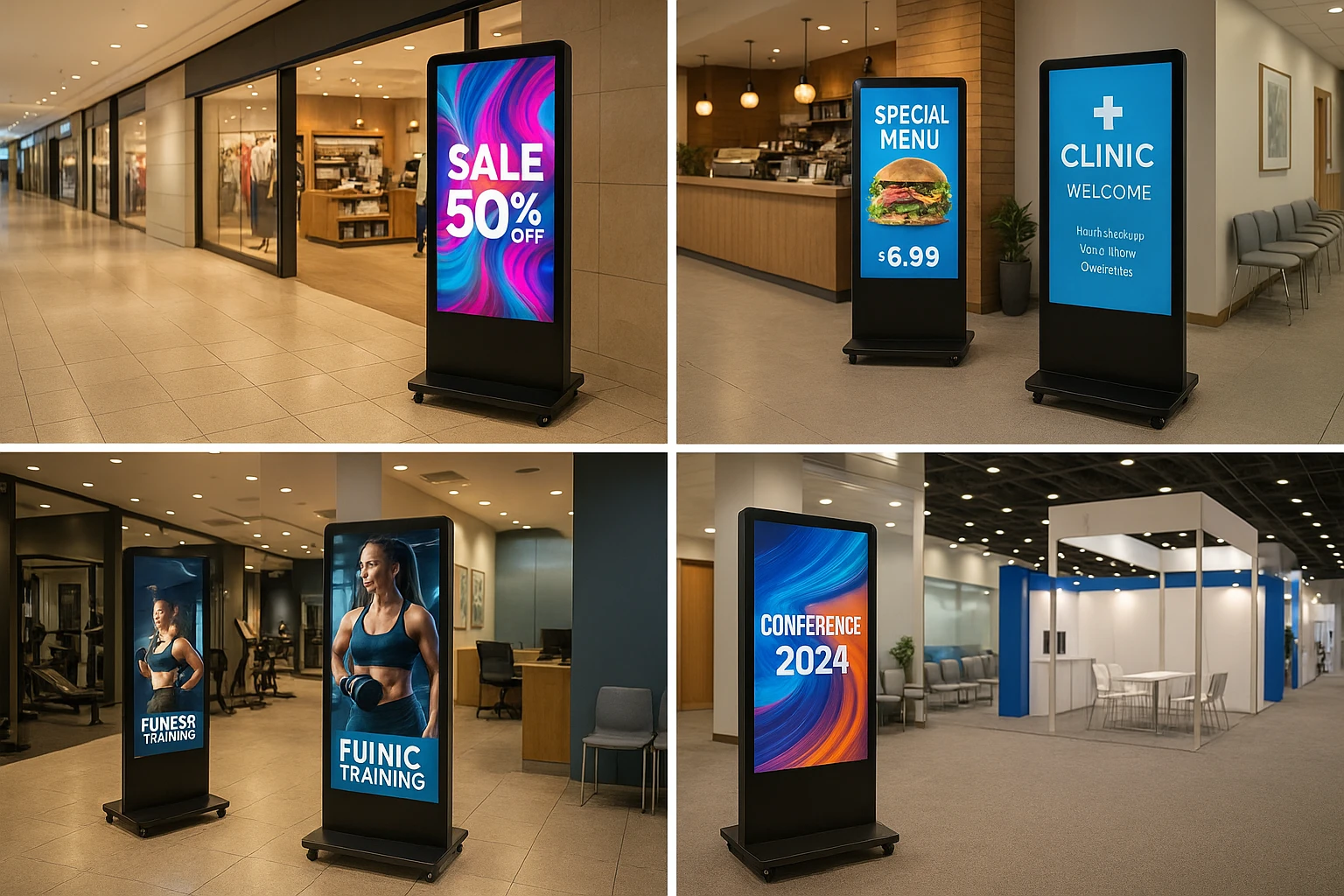
Standing displays can work in almost any commercial environment where information needs to be visible from a distance.
Common applications include:
Retail Stores
Place the display near entrances, promotional areas or high-traffic sections to advertise new products, campaigns and seasonal promotions.
Restaurants and F&B
Standing displays can be used for promotional menus, new dishes, membership campaigns and queue-area advertising.
Shopping Malls
They can be positioned outside stores, at entrances or inside common areas to promote events, brands and campaigns.
Corporate Offices
Businesses can use them for visitor information, announcements, company branding and event information.
Showrooms
Products can be supported with videos, specifications, promotions and demonstration content.
Events and Exhibitions
Standing displays are useful where temporary digital signage is needed without installing a permanent screen.
Standing Digital Display vs Printed Poster
Printed posters still make sense when content rarely changes.
The advantage of a digital display appears when campaigns need to change frequently.
|
Feature |
Standing Digital Display |
Printed Poster |
|
Video and animation |
Yes |
No |
|
Content can change instantly |
Yes |
No |
|
Reprinting required |
No |
Yes |
|
Multiple promotions |
Yes |
Limited |
|
Remote updating |
Depending on system |
No |
|
Upfront cost |
Higher |
Lower |
|
Long-term campaign flexibility |
High |
Limited |
A standing digital display does not automatically replace every printed sign.
For permanent information that rarely changes, printed signage may still be more economical.
Digital signage becomes more useful when content changes regularly or when movement and video are important for attracting attention.
What Standing Display Size Should You Choose?
One of the first questions buyers ask is:
What screen size do I need?
Standing digital displays are available in several sizes, and bigger is not always better.
The correct size depends on where the screen will be positioned and how far away viewers will normally stand.
32-Inch to 43-Inch
Smaller standing displays work well in locations where viewers will be relatively close.
They may be suitable for:
- Smaller shops
- Reception areas
- Narrow corridors
- Product displays
- Smaller F&B outlets
A 43-inch standing display can provide enough visibility for many small-to-medium retail environments without occupying too much floor space.
49-Inch to 55-Inch
This is a common range for commercial environments.
A 55-inch standing digital display provides a good balance between visibility and physical footprint.
It can work well for:
- Retail storefronts
- Shopping malls
- Restaurants
- Showrooms
- Corporate reception areas
- Events
For many businesses, this is a practical starting size.
65-Inch and Above
Larger screens become useful when viewers are farther away or when the display needs to stand out in a larger space.
They may be suitable for:
- Large retail environments
- Hotel lobbies
- Exhibition spaces
- Large reception areas
- Shopping mall environments
- High-traffic public areas
However, businesses should check the overall physical dimensions before buying.
A larger standing display requires more floor space and may become difficult to position in narrow walkways.
Is a 43-Inch Standing Display Big Enough?
A 43-inch display can be suitable when customers are viewing the screen from a relatively short distance.
For example, a screen positioned beside a store entrance or product display does not necessarily need to be 65 inches.
A smaller display can also be easier to reposition and may fit better into compact retail spaces.
However, if the screen is expected to attract attention from across a shopping mall corridor, a larger 55-inch or 65-inch display may provide better visibility.
The decision should be based on viewing distance and placement rather than screen size alone.
Do I Need a Commercial Display or Can I Use a Normal TV?
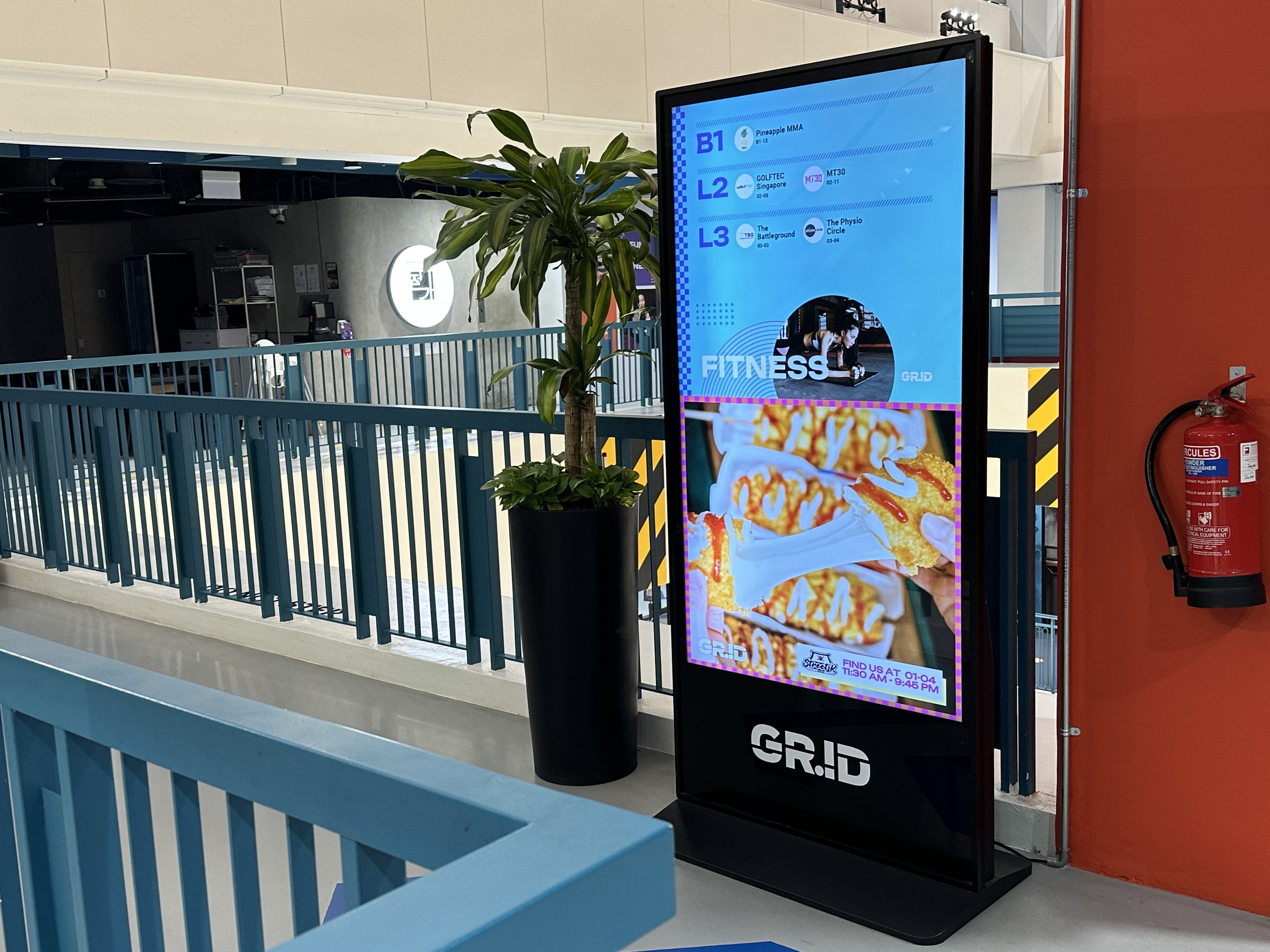
Technically, a television can display promotional content.
But consumer TVs and commercial digital signage displays are designed for different usage patterns.
Commercial displays are generally designed for longer operating hours and business environments.
They may also provide features such as:
- Scheduled playback
- Automatic power settings
- Commercial content management
- Portrait orientation
- Longer operating hours
- Remote control capabilities
- More robust enclosures
- Commercial warranty support
A consumer television may be suitable for occasional use, but businesses running signage throughout the day should consider whether the hardware was designed for that operating environment.
How Is Content Uploaded?
Content management is one of the most important considerations when buying digital signage.
Different businesses need different levels of control.
USB
USB playback is the simplest option.
Content is loaded onto a USB drive and transferred directly to the display.
This can work well when content changes infrequently.
The disadvantage is that someone normally needs to visit the physical screen whenever content needs to be changed.
Wi-Fi or Mobile App
Some displays allow content to be updated using a mobile application or wireless connection.
This makes updates faster without requiring a USB drive.
LAN
Displays connected to a local network can be managed within the business network depending on the system configuration.
Cloud Content Management
Cloud-based digital signage is useful when screens need to be updated remotely.
For businesses operating several locations, content can potentially be managed from one central platform rather than visiting every outlet.
Before purchasing a standing display, decide how often content will change.
There is little value in paying for an advanced management system if the screen will show the same content for six months.
At the same time, relying only on USB can become inconvenient for a business that changes campaigns every week.
Do I Need a Media Player?
Not every standing digital display requires a separate external media player.
Some commercial displays include built-in playback or content management capabilities.
A separate media player may become useful when:
- More advanced software is required
- Multiple screens need to be synchronised
- Specific applications need to run
- Cloud management requires dedicated hardware
- The display needs functionality beyond its built-in system
This should be confirmed before purchasing because the display and content management system need to work together.
Can Standing Digital Displays Be Moved Around?
Standing displays are freestanding, but that does not necessarily mean they are lightweight.
Larger commercial displays can be heavy because the enclosure needs to support the screen securely.
They can normally be repositioned when required, but they are not intended to be moved constantly like a portable tablet stand.
Before buying, consider whether the screen will:
- Stay permanently in one position
- Move between different areas occasionally
- Be transported regularly for events
If frequent transportation is required, a different portable signage solution may be more suitable.
Where Should You Position a Standing Display?
Buying the right screen but placing it in the wrong location can significantly reduce its effectiveness.
Good locations typically include:
- Store entrances
- Queue areas
- Reception areas
- High-traffic walkways
- Beside promoted products
- Near lifts or escalators
- Waiting areas
The screen should be visible without obstructing customer movement.
Avoid positioning it where:
- Structural columns block the view
- Strong reflections make content difficult to see
- Customers need to walk around the display
- The screen creates a trip or safety hazard
- Power cables need to cross pedestrian areas
Placement should be considered before choosing the display size.
How Bright Should a Standing Digital Display Be?
Brightness should match the environment.
A screen inside a controlled indoor office does not require the same brightness as a display positioned near a bright glass storefront.
If the screen is too dim, content can become difficult to see.
If it is unnecessarily bright, the display can become uncomfortable to view and consume more power than required.
Businesses should consider:
- Indoor lighting
- Nearby windows
- Direct sunlight
- Viewing distance
- Screen orientation
- Operating hours
A supplier should assess the environment rather than recommending brightness based purely on the highest specification available.
Portrait or Landscape?
Most standing digital displays are designed primarily for portrait content.
Portrait orientation works especially well for:
- Digital posters
- Promotions
- Product advertisements
- Event information
- Menus
- Social-media-style creative
Businesses should design content specifically for the display orientation.
Simply placing a landscape PowerPoint slide onto a portrait display usually produces a poor result.
Content should be created according to the screen's native resolution and aspect ratio.
How Much Does a Standing Digital Display Cost in Singapore?
The price depends on several factors.
Screen Size
Larger panels generally cost more.
A 43-inch standing display and an 86-inch display should not be expected to fall within the same price range.
Panel Specification
Resolution, brightness, operating-hour rating and panel quality can affect price.
Content Management System
A simple USB playback system may cost less than a setup requiring remote cloud management.
Built-In Computer
Some projects require Windows or Android computing hardware within the display.
This increases the system cost compared with basic media playback.
Touchscreen Functionality
Interactive standing displays require additional touch technology and computer hardware.
Warranty and Support
Commercial buyers should also compare what happens after installation rather than looking only at the initial equipment price.
A cheaper screen can become expensive if replacement parts, technical support or troubleshooting are unavailable later.
For this reason, businesses should compare quotations based on the complete system rather than screen size alone.
What Should You Check Before Buying?
Before confirming an order, ask the supplier:
- What screen size suits my viewing distance?
- Is the display designed for commercial operating hours?
- What brightness level is suitable for my location?
- How will I upload content?
- Can the screen be managed remotely?
- Are there recurring CMS charges?
- What happens if the player or screen fails?
- Is local technical support available?
- What warranty is provided?
- Does the price include delivery and setup?
These questions are more useful than comparing specification sheets line by line.
What About Warranty and After-Sales Support?
Digital signage is not only a hardware purchase.
Screens operate for long hours, and eventually problems such as playback errors, connectivity issues, power problems or component failures can occur.
Before purchasing, businesses should understand:
- Warranty duration
- What the warranty covers
- Whether troubleshooting can be performed remotely
- Whether local on-site support is available
- Availability of replacement components
- Response procedure when a screen stops working
After-sales support becomes especially important for businesses using digital signage as part of daily operations.
A screen that cannot display content is no longer performing its purpose, regardless of how inexpensive it was initially.
Real 55-Inch Standing Display Installation in Singapore
DS Visual supplied and installed a 55-inch standing digital display for SM Universe in Singapore.
The project demonstrates how a freestanding commercial display can be used within a retail environment without requiring permanent wall installation.
A real installation is useful when evaluating screen size because it allows businesses to understand how a 55-inch unit looks in an actual commercial space rather than judging size from product specifications alone.
Related project: 55-Inch Standing Digital Display in Singapore: SM Universe Retail Installation
Standing Digital Display vs Wall-Mounted Display
A standing display is not always the best option.
Choose a standing display when:
- Wall mounting is not possible
- The display may need to be repositioned
- Customers pass close to the screen
- A portrait digital poster format is preferred
Consider a wall-mounted commercial display when:
- Floor space is limited
- The screen will stay permanently in one position
- A landscape format is required
- The display needs to be mounted higher for visibility
The installation environment should determine the product rather than forcing one type of display into every situation.
Frequently Asked Questions
Can a standing digital display play videos?
Yes. Commercial standing displays can play images, videos and promotional content depending on the media player and system configuration.
Can I update the content using my phone?
Depending on the content management system, mobile or cloud-based updating may be available.
Can I use USB?
Yes. Many systems support USB content playback or transfer.
Does digital signage require Wi-Fi?
Not necessarily.
USB-based displays can operate without an internet connection.
Wi-Fi or network connectivity becomes useful when remote content updates are required.
Do I need to pay a monthly subscription?
That depends on the content management platform.
Some digital signage systems have recurring licensing costs, while others can operate without a monthly subscription.
Confirm this before purchasing.
Can a standing display operate all day?
Commercial displays are designed for longer operating periods, but the supported operating hours vary by model.
Always check the panel specification if the screen needs to operate for extended periods every day.
Can I use the display outdoors?
Standard standing digital displays are generally intended for indoor environments.
Outdoor digital signage requires weatherproofing, higher brightness and equipment designed for outdoor operating conditions.
Do not place a standard indoor standing display outdoors simply because it is sheltered.
What size standing digital display should I choose?
For smaller spaces and close viewing, 32-inch to 43-inch models may be sufficient.
For many retail and commercial applications, 49-inch to 55-inch displays provide a practical balance.
Larger spaces or longer viewing distances may benefit from 65-inch or larger displays.
The final choice should be based on the installation environment.
Standing Digital Display Solutions in Singapore
DS Visual provides commercial standing digital displays for retail, F&B, corporate, showroom and event environments in Singapore.
Available configurations can include:
- Multiple screen sizes
- Portrait digital signage
- USB content playback
- Wi-Fi and network connectivity
- Mobile content management
- Cloud content management
- Integrated media playback
- Customised system configurations
- Delivery and setup
- Local technical support
Rather than choosing a display purely by screen size, businesses should first determine where it will be placed, how far customers will stand from it and how frequently the content needs to change.
From there, the appropriate screen size and content management system can be selected.
Looking for a Standing Digital Display in Singapore?
If you are planning to use a standing display in a retail store, restaurant, showroom, office or commercial space, send DS Visual a photo of the intended location together with the approximate viewing distance.
We can recommend a suitable screen size and content management setup based on how the display will actually be used.