

Directories and public information
Touch navigation and information access for visitors.
DS VISUAL · Commercial display solutions
Qiosc runs your own software, or we connect you with our developer partners. It supports add-ons and integrations such as footfall analytics and AI concierge, subject to software compatibility.
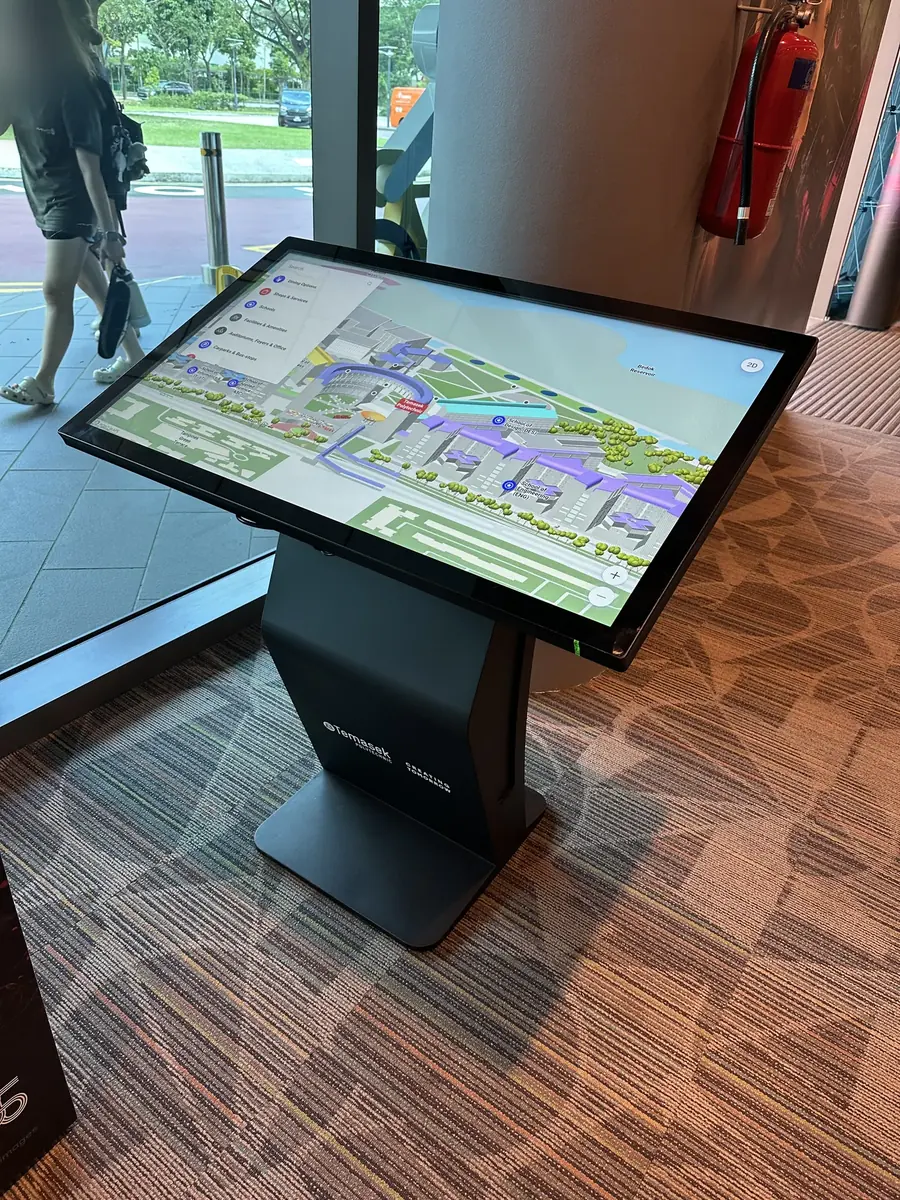
Qiosc stands for kiosk. It is designed for services such as interactive directories, product catalogues and promotional information that visitors actively use.
Touch navigation and information access for visitors.
Interactive product information for retail and public areas.
Use XH Cloud touch slides with no development, bring your own application, or work with our developer partners.
Not every kiosk needs custom software. Both Android models run XH Cloud, our CMS, out of the box. Build touch slides that work like a PowerPoint, or show images, videos and a set webpage, with no development needed. They also run your own apps.
Built-in Rockchip RK3576 player. Enough for swiping through images and videos, a set webpage, or touch slides built in XH Cloud. Suits product catalogues, company profiles, menus and simple directories.
Built-in Rockchip RK3588 player, with more processing power for 3D graphics, heavy webpages and demanding apps such as wayfinding. Runs XH Cloud by default, or your own software.
Intel 8th- or 12th-generation i5, depending on requirements. Designed for software developers and integration projects that need to run custom applications or connect footfall counters, viewer analytics and other external systems.
Not sure which one you need? Heavy webpages and 3D content can slow a kiosk down, so send us your webpage link or software before you order and we will test it on the hardware. XH Cloud slides do not support API integrations, and connected hardware such as a printer, QR reader or camera needs custom software.
If your organisation already has kiosk software, share the operating-system, hardware and integration requirements. DS VISUAL will check software compatibility with the proposed kiosk hardware before an order is confirmed.
If you do not have software, you may not need any. XH Cloud lets you build and update touch slides yourself. If you prefer, we can build the slides for you as a paid service, using content you supply. For custom apps, we work with developer partners.
Qiosc comes with two kinds of touch.
Works like a smartphone: a flat glass front with smooth, precise 10-point touch, and it also works with thin gloves. Available on every Qiosc size, from 10.1-inch wall-mounted screens up to 65-inch floor-standing kiosks.
A frame of infrared sensors around the screen, so it responds to a finger, a glove or a pen, with 10-point touch. Available from 43 to 65 inch, and costs less than PCAP at the same size.
Choose PCAP for a premium, smartphone-like feel. Choose IR for value on larger screens, or where users may touch with a pen or thick gloves.
Qiosc can be equipped with a printer, QR code reader and camera, subject to the software requirements.
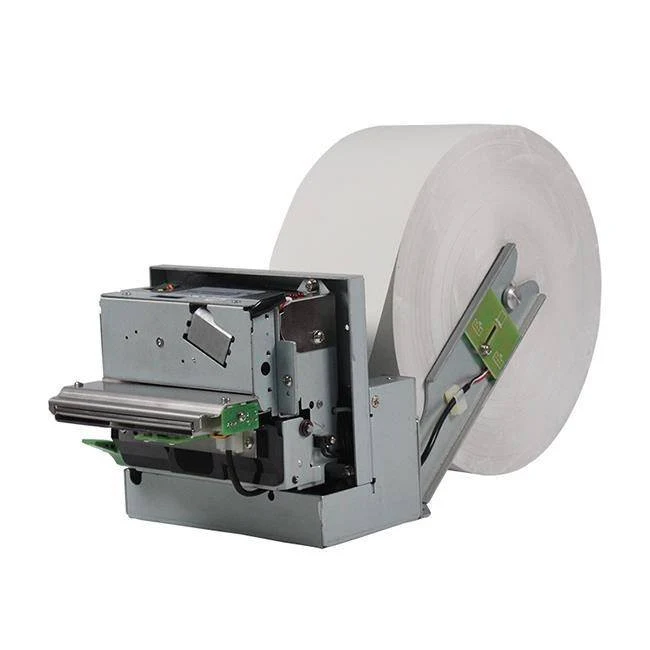
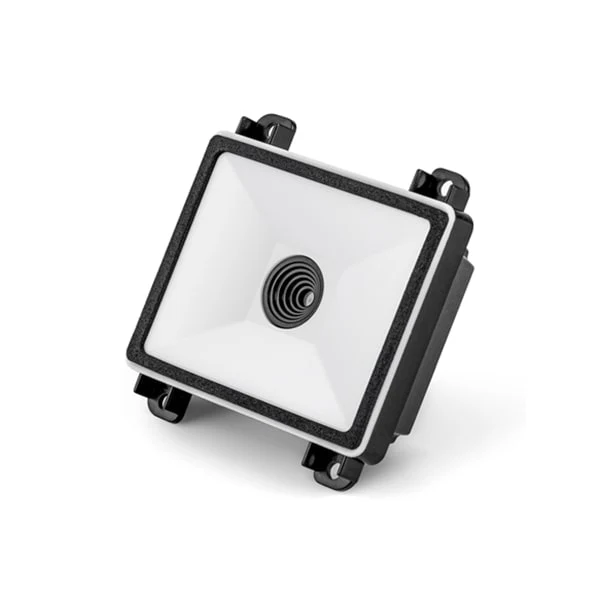
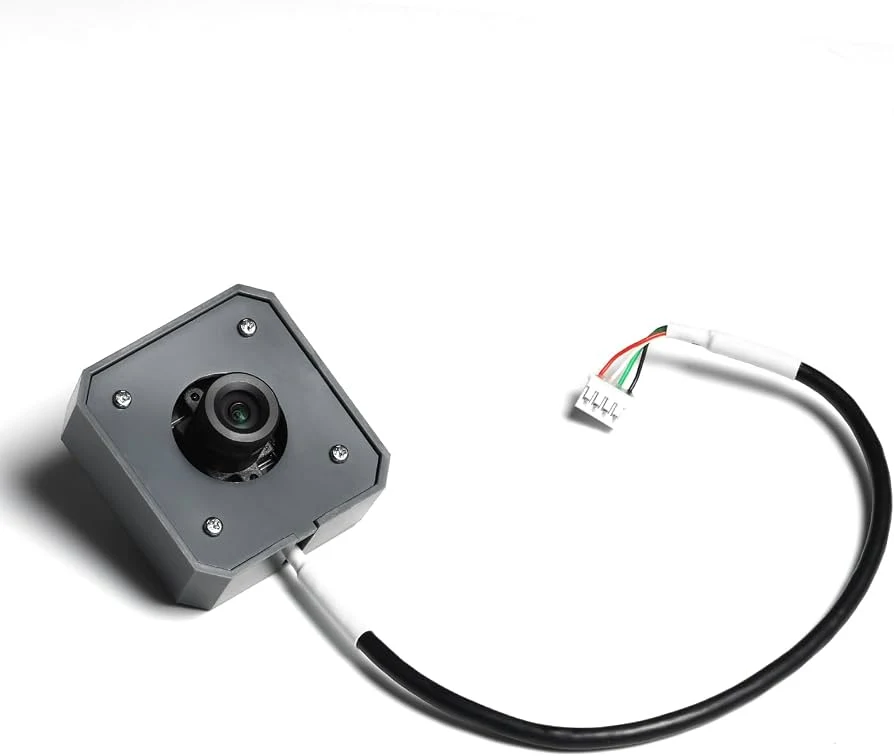
Photos show example add-ons. The actual model may differ depending on project requirements.
Free-standing vertical kiosk format.
Interactive screen mounted on a suitable wall.
K-base for the specified site and use.
L-stand format for the specified application.
55-inch is the preferred choice for most Qiosc applications. DS VISUAL does not recommend going above 65 inches for a touch kiosk.
People stand close to an interactive kiosk, so important controls must be reachable. We have seen a project where a larger-than-advised touch display made the top of the screen difficult for shorter users to reach.
We would rather recommend a usable screen than sell an unnecessarily large one.
Need something smaller? Wall-mounted touch screens start from 10.1 inch, for promotional content, small directories and counters. Room booking is possible too: we check the booking software works on the screen before you order.
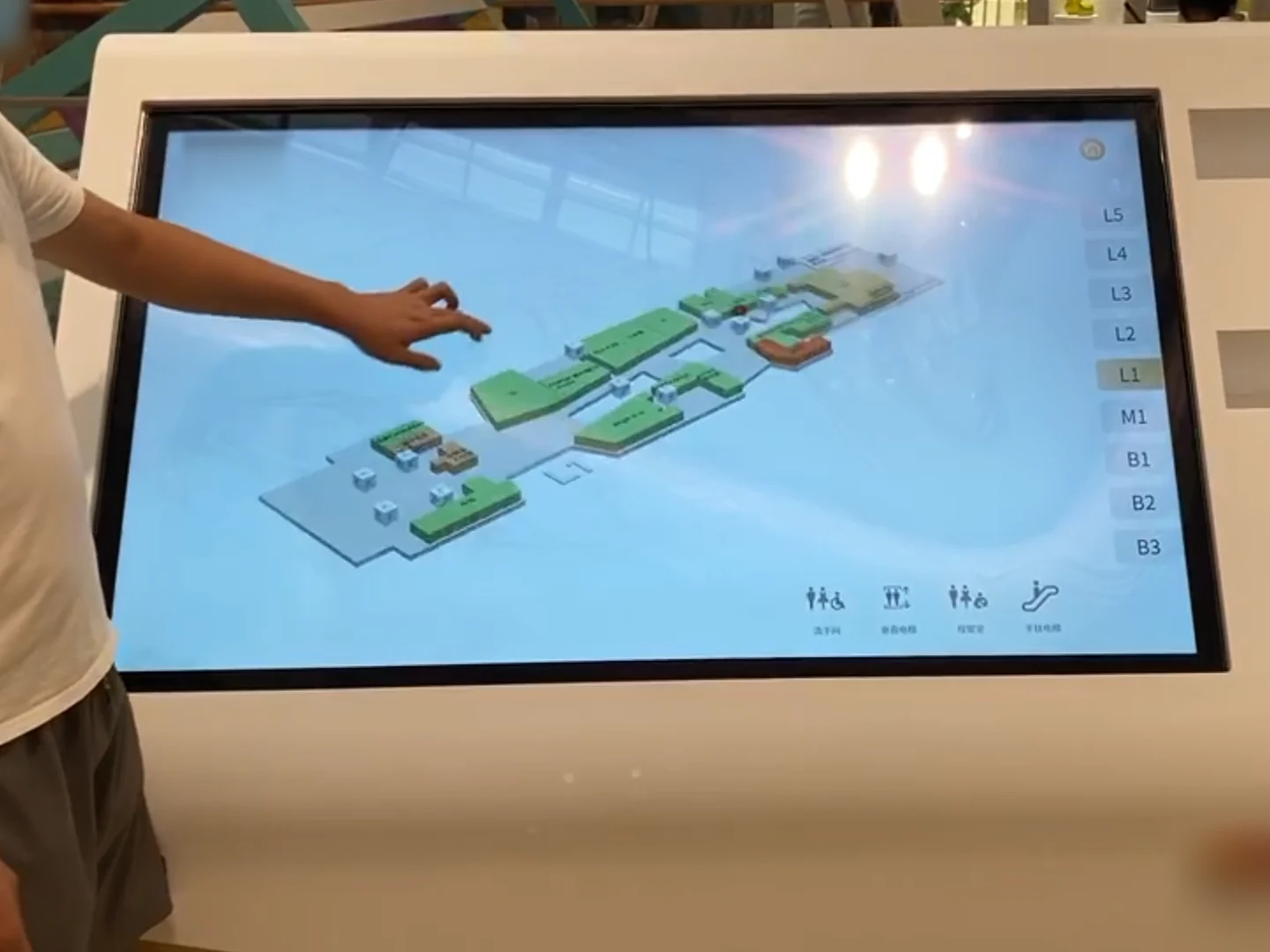
Qiosc can be used as an interactive directory or wayfinding kiosk. The hardware and software depend on the specific directory information and interactive functions you need.
Temasek Polytechnic deployed Qiosc wayfinding kiosks with the RK3588 player across its campus, with wayfinding software by our partner Point Consulting.
Share any existing software details first, so that we can check hardware compatibility.
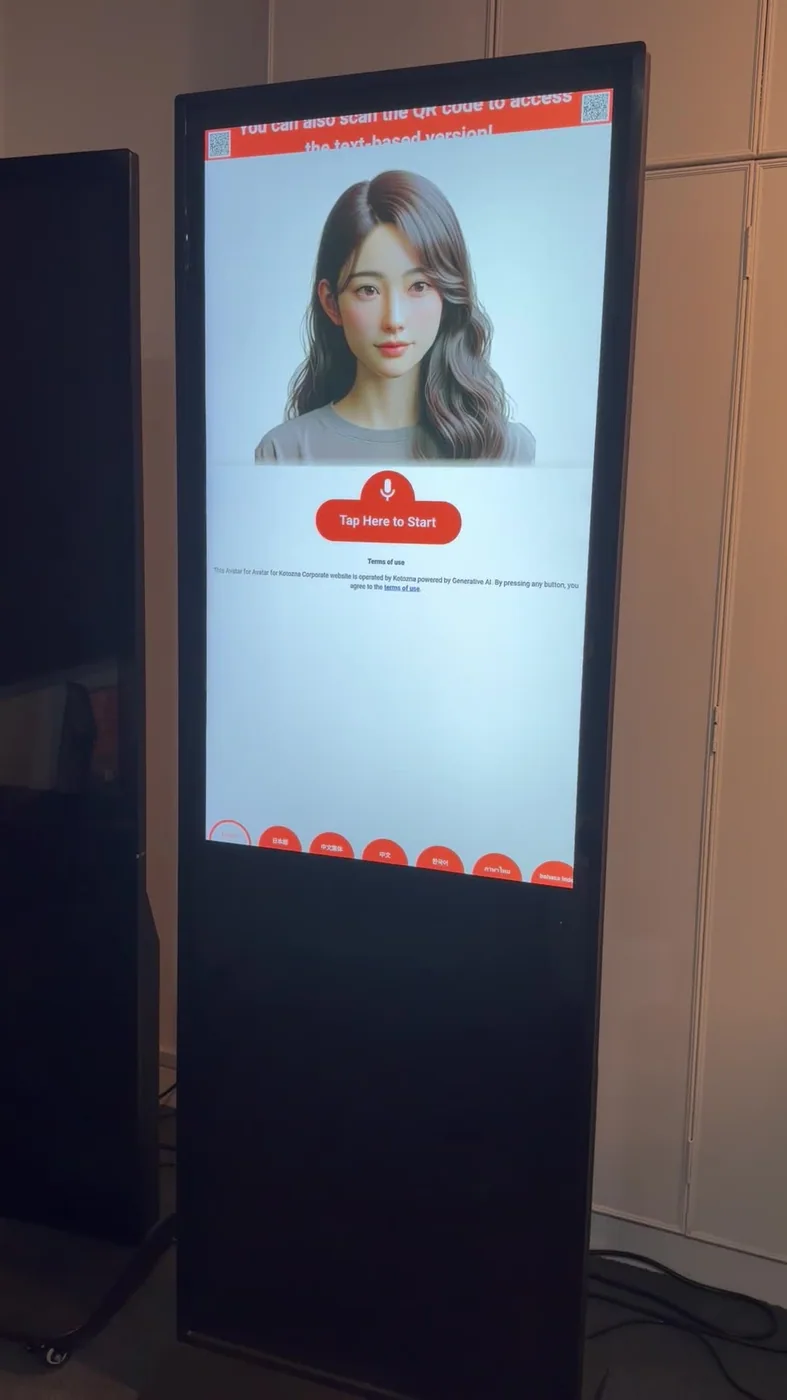
Our working partner Kotozna built its multilingual conversational AI concierge to run on Qiosc hardware with a built-in Rockchip RK3588 player. This trade-show demonstration shows how interactive signage hardware and specialist software work together.
DS VISUAL supplies this product under its own brand and handles the warranty. Standard 1-year warranty, extendable by 1 or 2 years at additional cost.
Different people, different questions. Here's what we do for each.