

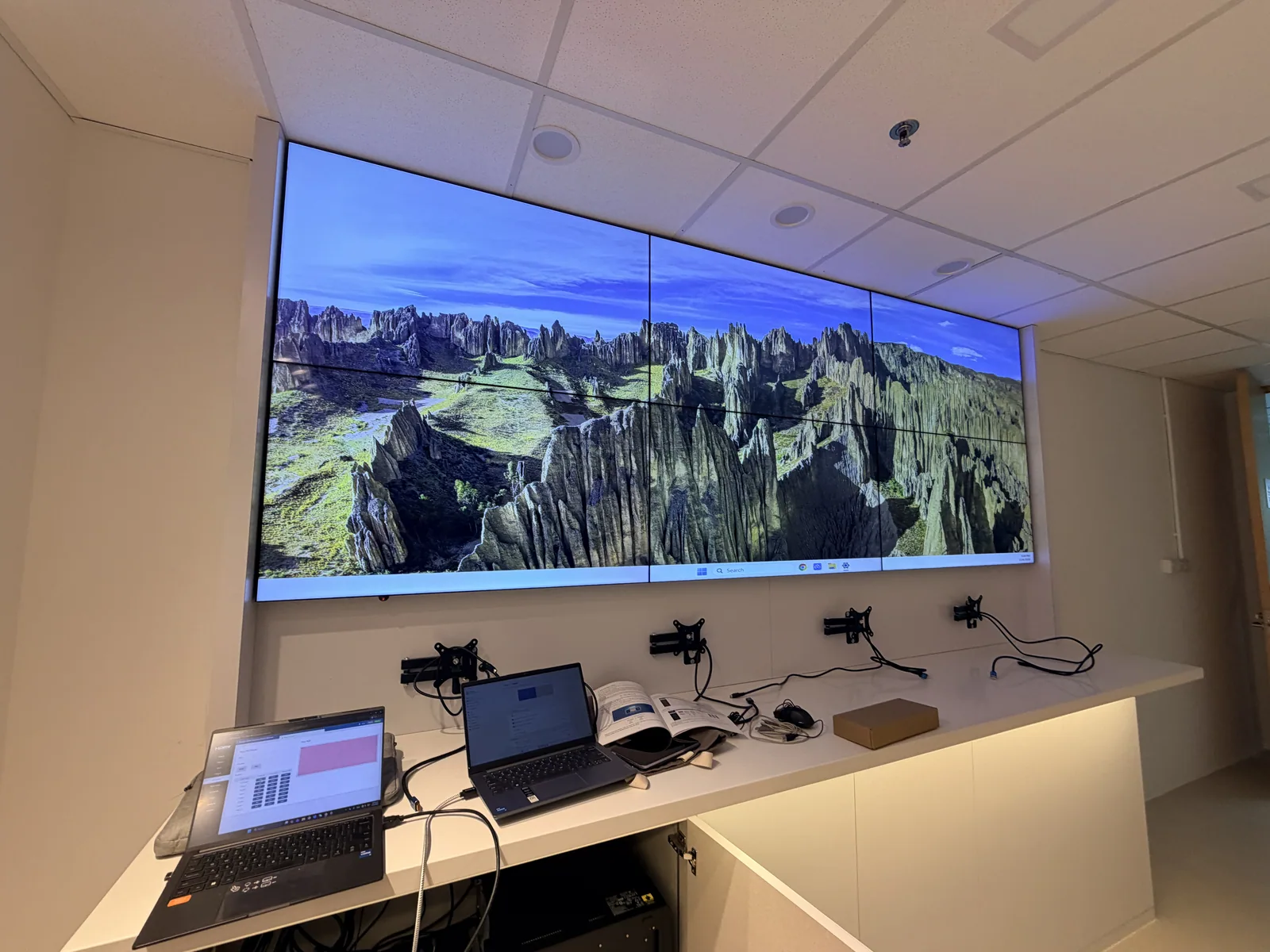
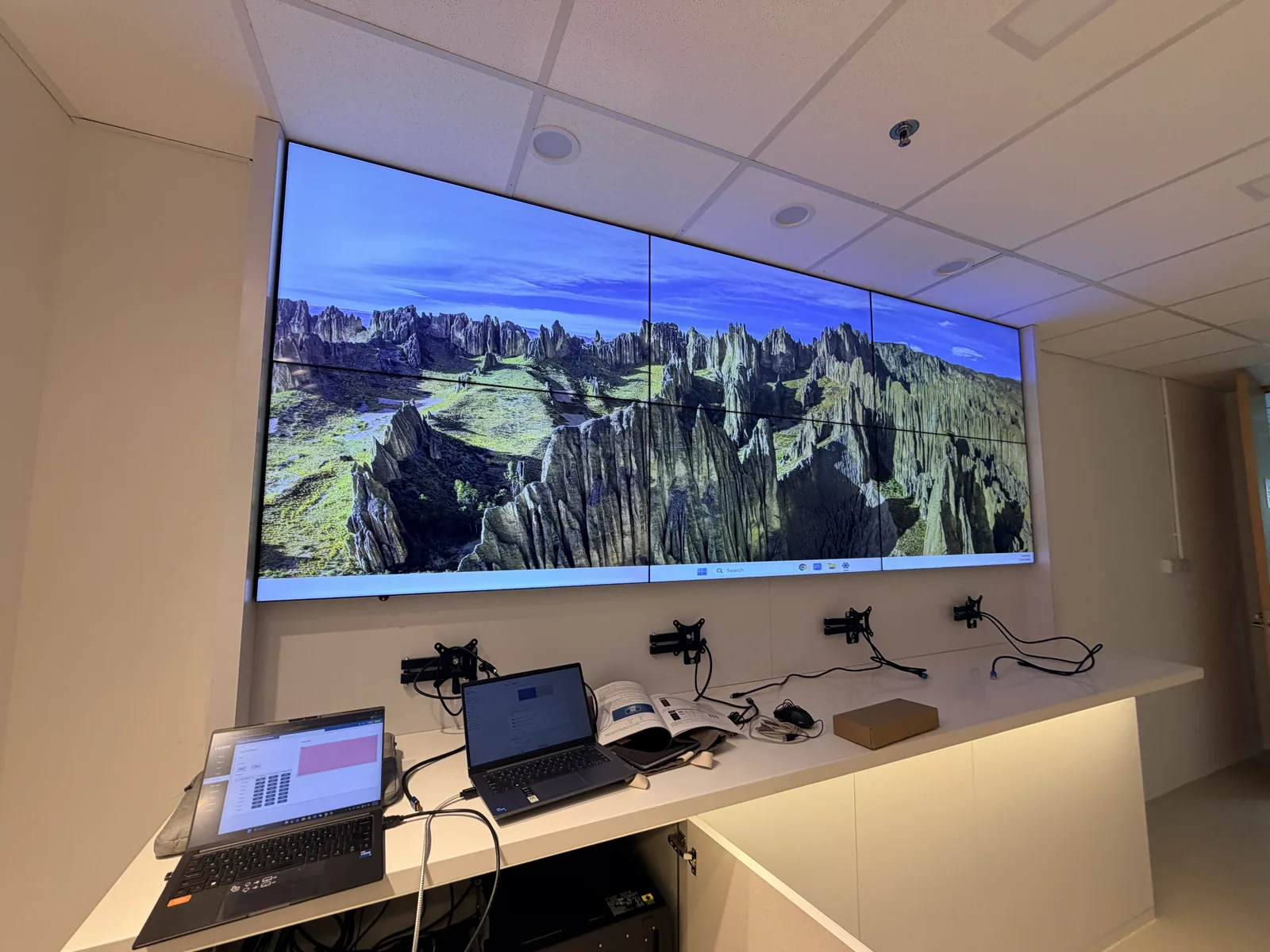
LCD video wall
Draeger
A six-panel LCD data wall for Draeger's R&D team. A seamless HDMI matrix switcher sends any computer to any screen, joins the panels into one large picture, or splits them so the team can compare data side by side.
DS VISUAL · VIDEO CONTROL
Control how video signals are routed, processed and displayed across multiple screens.
See how the picture changes
Choose your wall and choose a layout. See how a video wall can show one big picture or many at once.
Your choices, updated as you try the simulator
 See project
Our team will confirm the right equipment.
Ready to discuss?
Share the wall and picture layout you tried. We'll help assess your requirements.
Send this setup to usGenuine DS VISUAL experience
LCD video wall
A six-panel LCD data wall for Draeger's R&D team. A seamless HDMI matrix switcher sends any computer to any screen, joins the panels into one large picture, or splits them so the team can compare data side by side.
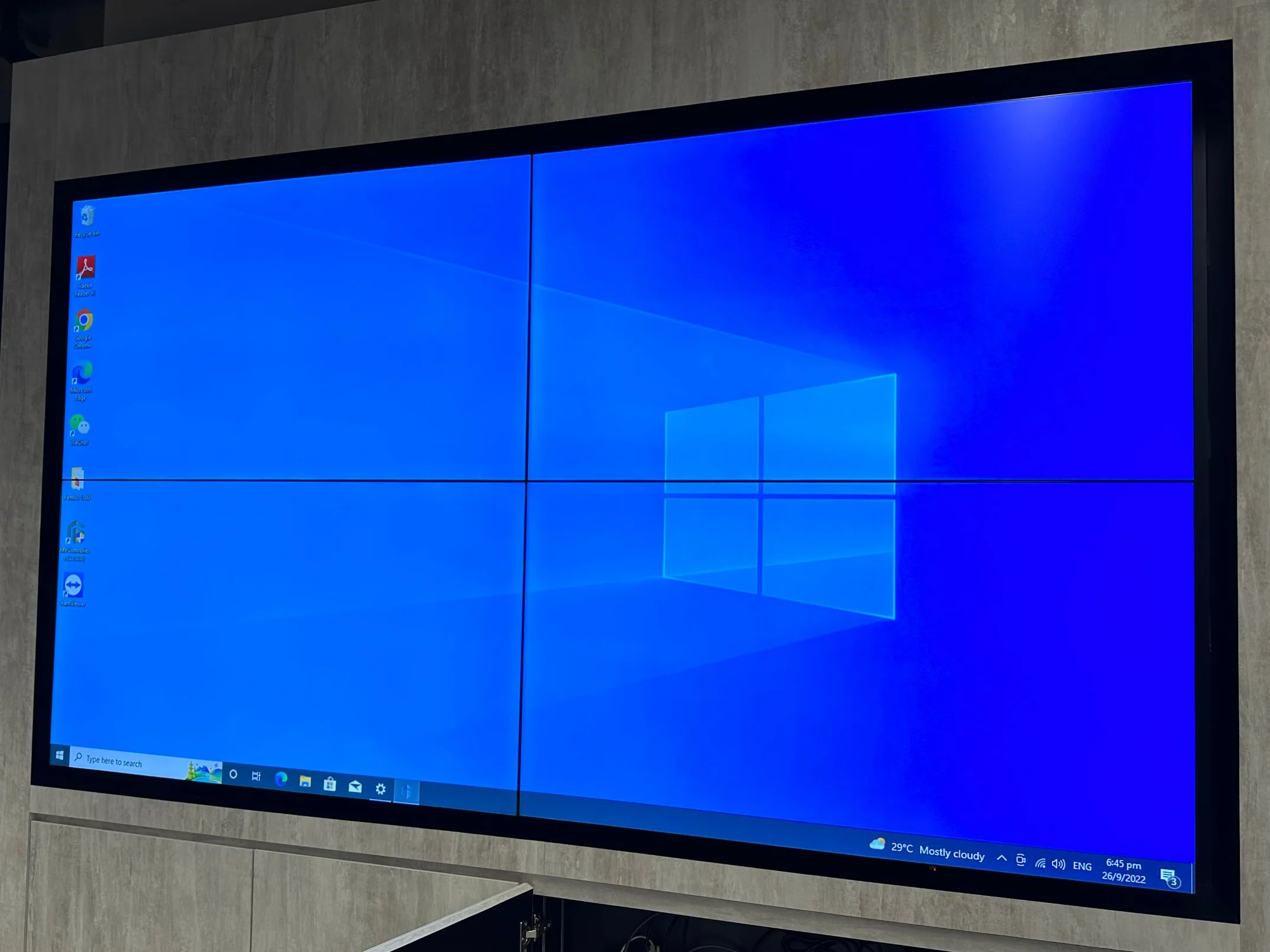
LCD video wall
A 2x2 LCD video wall in Best World's office, installed in 2022. It works as the office information board, and a video wall processor joins the four panels into one large picture or splits them into separate windows.
LED video wall
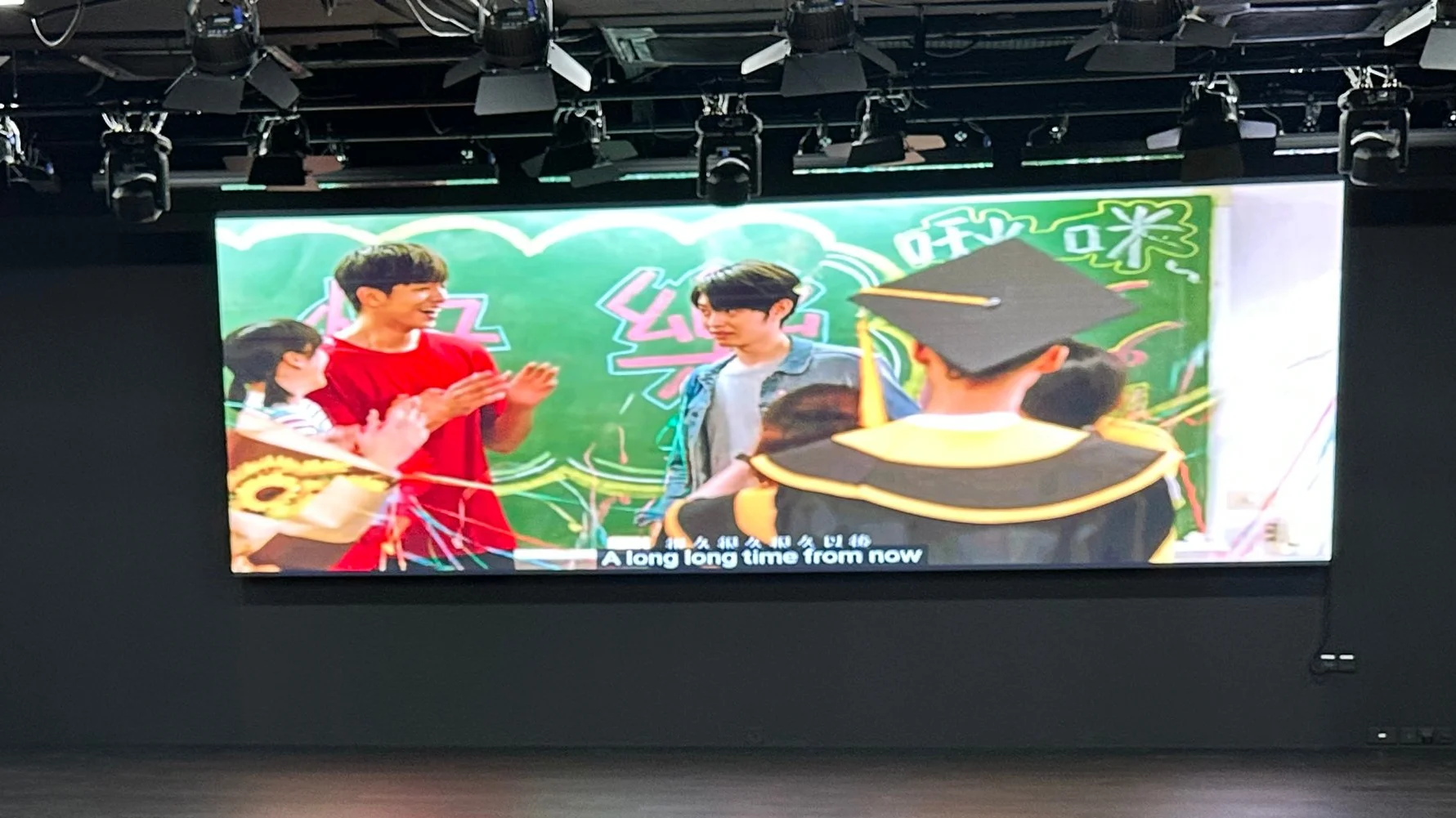
A Tetsu Series P4 LED video wall in the school auditorium, installed in 2022. An LED video processor fits presentations and videos to the wall's wide shape, so the whole wall is used and pictures are not cut off.
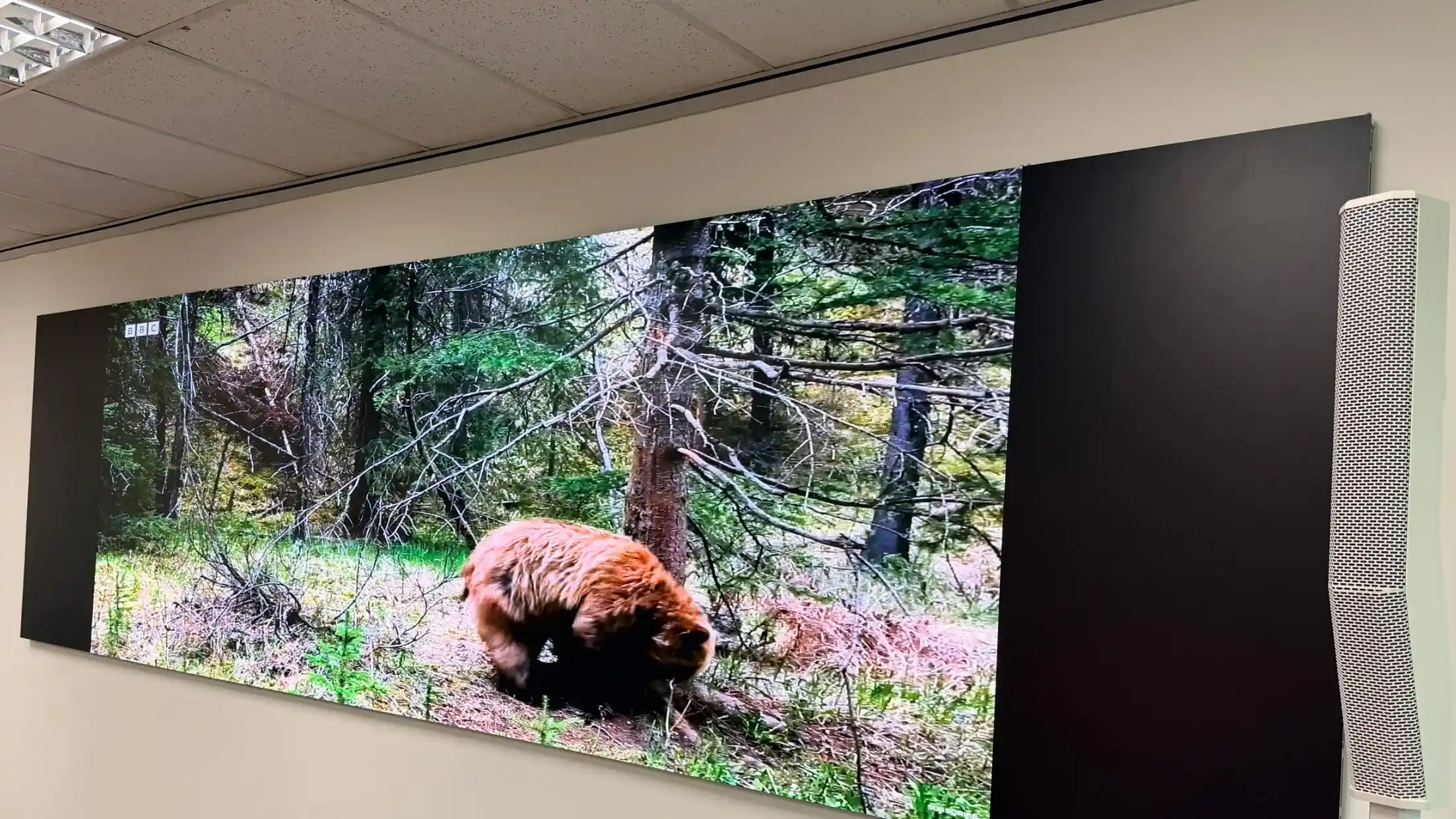
LED video wall
An Atomic 13 COB P1.25 LED wall for CrimsonLogic, installed in 2025. The fine pixel pitch keeps text and charts sharp up close, and the controller keeps each video in its proper shape on the wide wall.
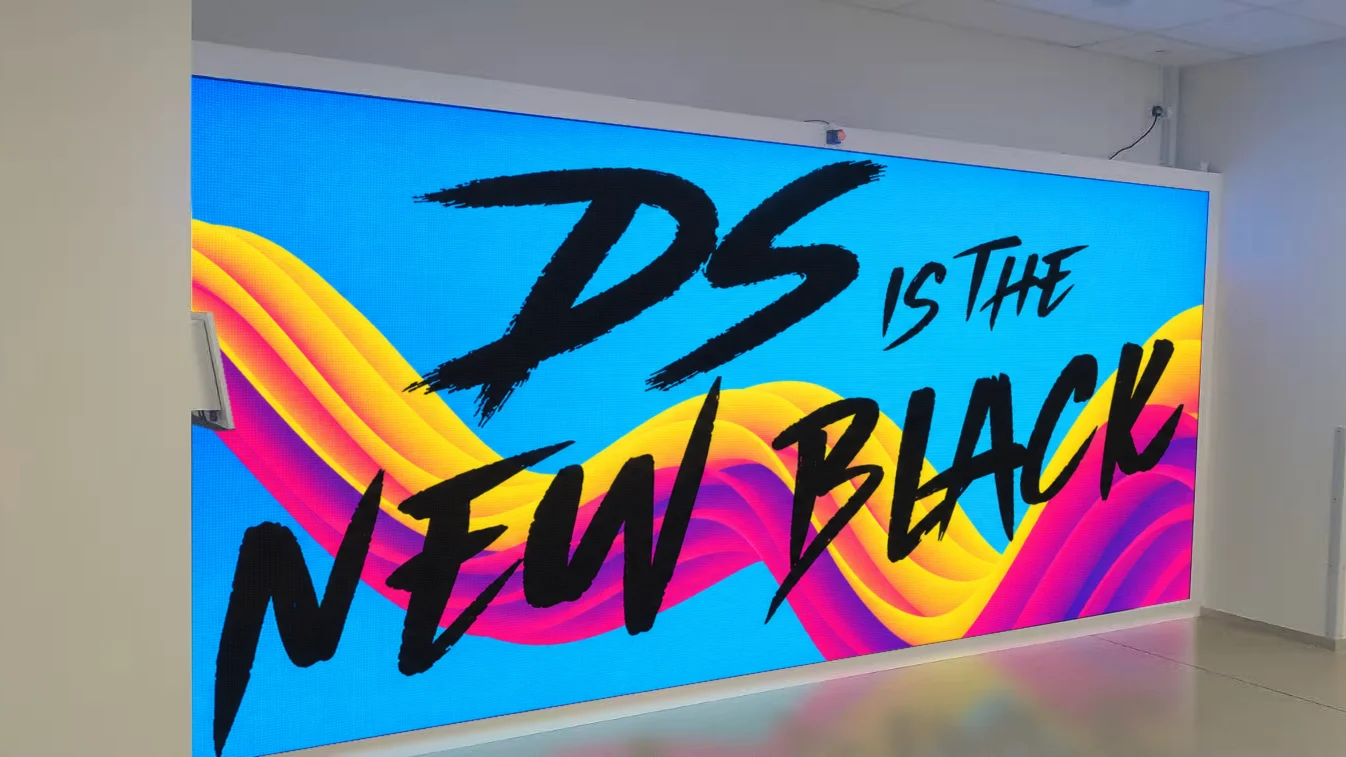
LED video wall
An interactive P1.86 fine-pitch LED wall for Amgen, installed in 2025. LiDAR sensing turns the whole wall into a touch screen, so staff tap posts to like them, and an LED video processor fits the content to the wall's wide shape.
(screen content illustrative)
How it works
A seamless HDMI matrix switcher lets you route different computers or media sources to different screens without moving cables. Choose which picture appears on each screen, or use a supported video wall mode to join several screens into one large picture. Some seamless models also offer fixed multi-picture views on a single display. Advanced layouts with many independently arranged windows require suitable processing capabilities.
Used in: Draeger R&D data wall.
An LED video processor prepares the incoming picture for the actual pixel dimensions and shape of an LED wall. That matters when the wall is wider than a standard video, or when it is built as a custom or curved display. Depending on the controller, it may also support multiple picture windows or picture-in-picture. Our team checks the screen layout, sources and processing functions before recommending equipment.
Used in: Jurong Crest Secondary School auditorium, flat Tetsu Series LED wall, P4, 2022.
Show many cameras and computers on one big wall, each in its own window. Move and resize them, and save your favourite layouts.
For control rooms with many live feeds, one larger processor does both: switching and fitting many pictures onto one wall.
We design complete control room systems, from sources and operator desks to the video wall, and plan cabling and signal paths before anything is ordered.
DS VISUAL selects controllers to suit each project from different makers and supports the system locally.
Not sure? Try the simulator above.
LCD video walls · Indoor and outdoor LED · Our projects · Contact DS VISUAL
An HDMI matrix switcher sends any source to any screen, and seamless models can also join several screens into one picture. A video wall controller, also called a video wall processor, goes further: it places many pictures anywhere on the wall, in windows of any size, whatever the panel layout. Many projects need only a matrix.
Yes. Every LED wall needs a control system to turn your video into the exact pixels of the wall. For one source or a built-in media player, a simple controller is enough. For several sources, picture-in-picture or a very wide or curved wall, you need an LED video processor.
Yes, with a video wall processor. It can stretch one camera or computer across some screens and show other sources on the rest, and you can change the arrangement at any time. Try it in the simulator above with the 3x3 or 4x3 layouts. Some HDMI matrix switchers can do simple versions of this.
Yes. A normal HDMI cable works up to about 5 m at 4K and 15 m at 1080p. For longer runs we use HDBaseT extenders over network cable, which reach about 120 m at 4K and 150 m at 1080p. We plan cable routes before anything is ordered.
Yes. Video wall processors save layouts as presets, so you can switch from a daily dashboard view to a full-wall presentation in one step. Depending on the equipment, you switch from the front panel, a web page on any office computer, or a remote control.
Usually, yes. Before recommending anything, we check what outputs your computers have, what inputs and resolutions your screens accept, and the cable distances. If something old does not connect directly, we tell you what needs converting or replacing, and why.
Tell us about your screens and sources, and we'll recommend the right video wall controller for your setup.