

Slim Signage (wall-mounted)
32 to 55 inch. An everyday commercial screen with a built-in player and speakers.
View Slim SignageDS VISUAL · Commercial display solutions
Choose everyday Slim Signage for a neat wall-mounted display, or WallArt for a large 4K screen that sits inside a prepared feature wall.
32 to 55 inch. An everyday commercial screen with a built-in player and speakers.
View Slim Signage65 to 85 inch. A 4K screen designed to sit inside the wall.
View WallArt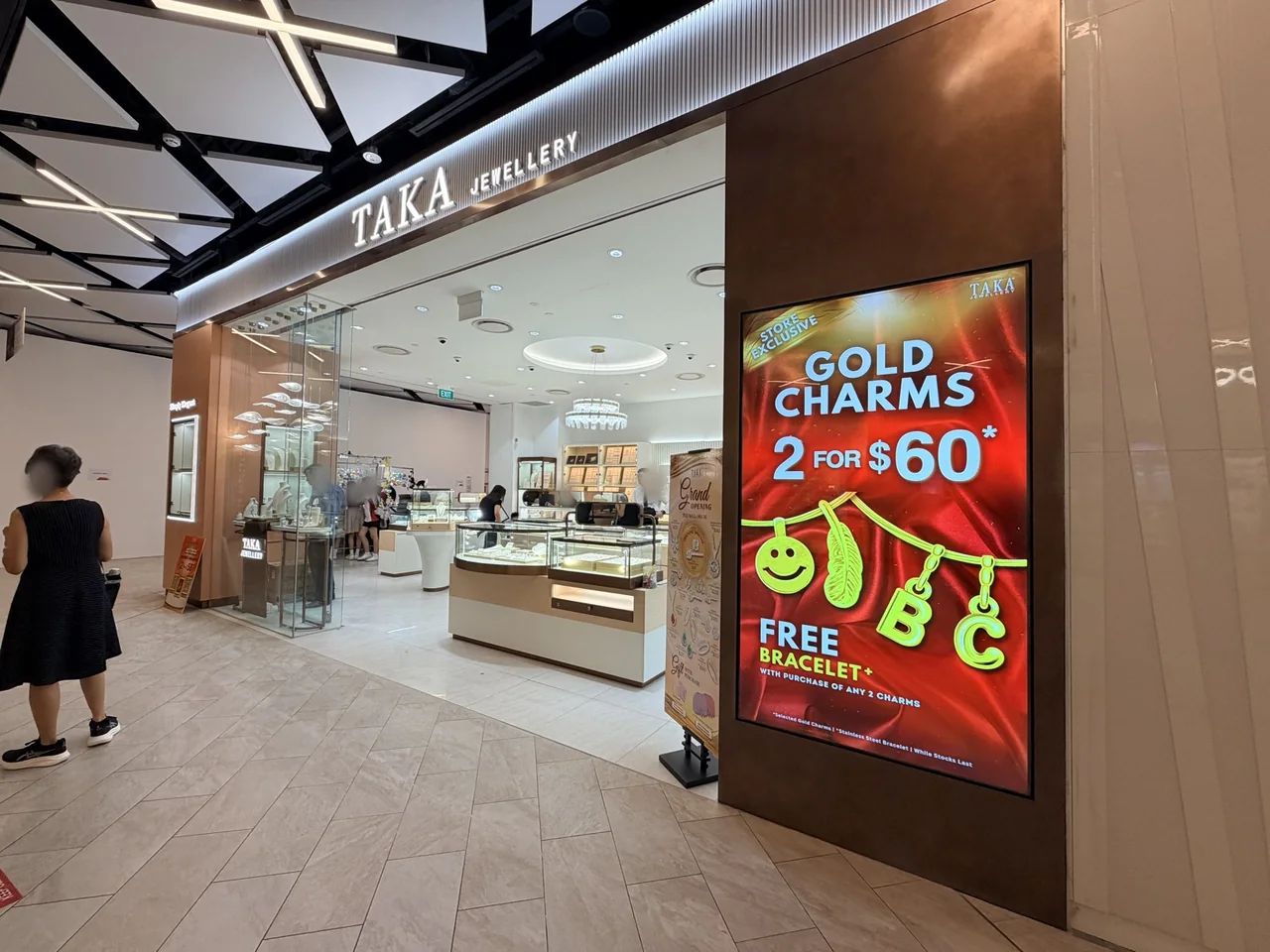
Single-screen Slim Signage is DS VISUAL’s wall-mounted commercial LCD range. Its Grade A commercial panel is designed for extended operation and is rated for 24/7 use, with a rated panel life of at least 60,000 hours.
| Size | Resolution | Approximate screen weight |
|---|---|---|
| 32 inch | Full HD · 1920 × 1080 | 7 kg |
| 43 inch | Full HD · 1920 × 1080 | 12 kg |
| 50 inch | Full HD · 1920 × 1080 | 25 kg |
| 55 inch | 4K · 3840 × 2160 | 38 kg |
500 nits; indoor use. The slim version without glass is 46.2 mm thick, installed on a 12 mm wall bracket. The tempered-glass version is 51.1 mm thick, for high-traffic areas. Glass is generally not specified for screens mounted high up.
Rockchip RK3568 with Wi-Fi, Bluetooth, LAN, USB, microSD and optional 4G. Two built-in 5 W speakers.
Cloud management with 2FA, USB plug and play, Wi-Fi hotspot or LAN, including offline methods.
Split-screen layouts, HDMI input within the layout or picture-in-picture, and joining-screen synchronisation across several displays.
Schedule screen on/off times, use auto brightness, show live news and weather, and operate the display remotely from your phone. Learn about our CMS.
Consumer TVs are designed for shorter home viewing. In commercial settings with long daily operating hours they may develop blue-tinted colour shift and backlight deterioration. DS VISUAL uses commercial-grade displays built for these environments.
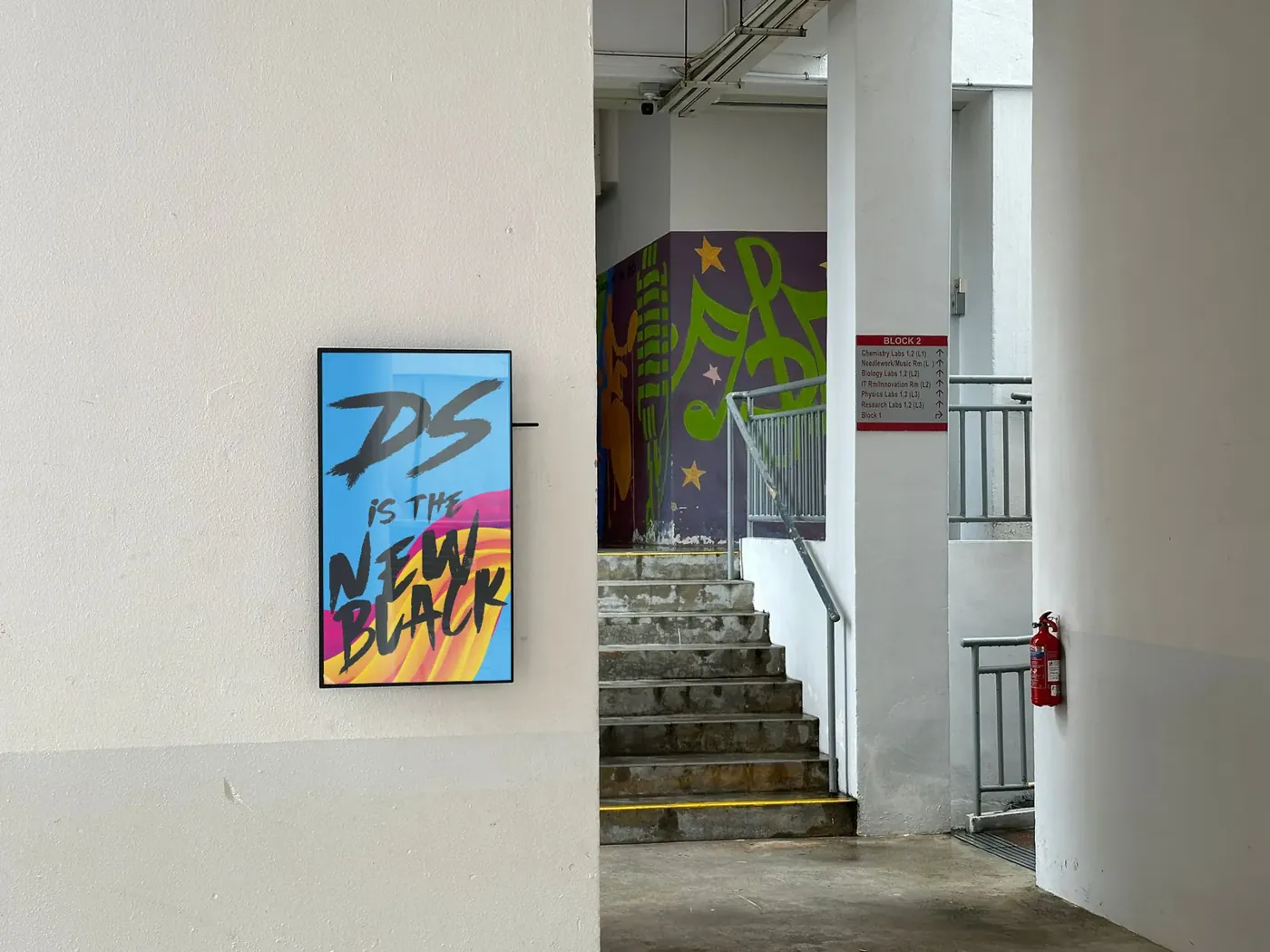
Tell us if a display is placed where customers may touch or knock the screen. We can advise when the tempered-glass version is appropriate.
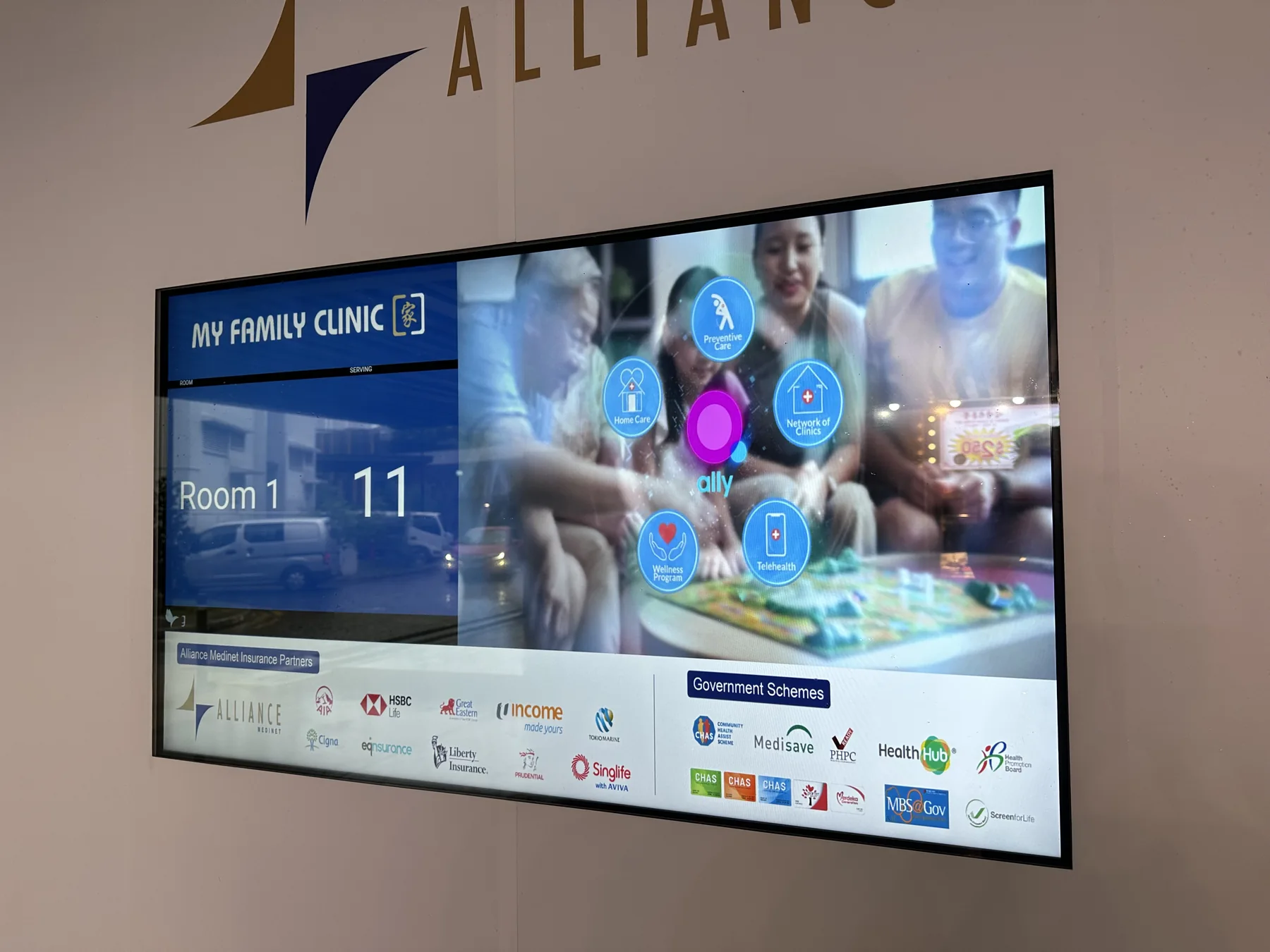
For restaurants, cafés and food counters, several Slim Signage displays can play content in sync through the joining-screen function. Scheduled menus and promotions can be updated centrally.
When one continuous image must span multiple panels, a dedicated LCD video wall is a different option, using slim-bezel commercial panels.

A standard 500-nit commercial screen is not bright enough for a window facing strong direct sunlight. We can recommend a suitable high-brightness screen after checking the direction of the window, light levels and mounting position. Dual-sided hanging LCD options can reach 2,500 nits on the street-facing side.
Talk to our team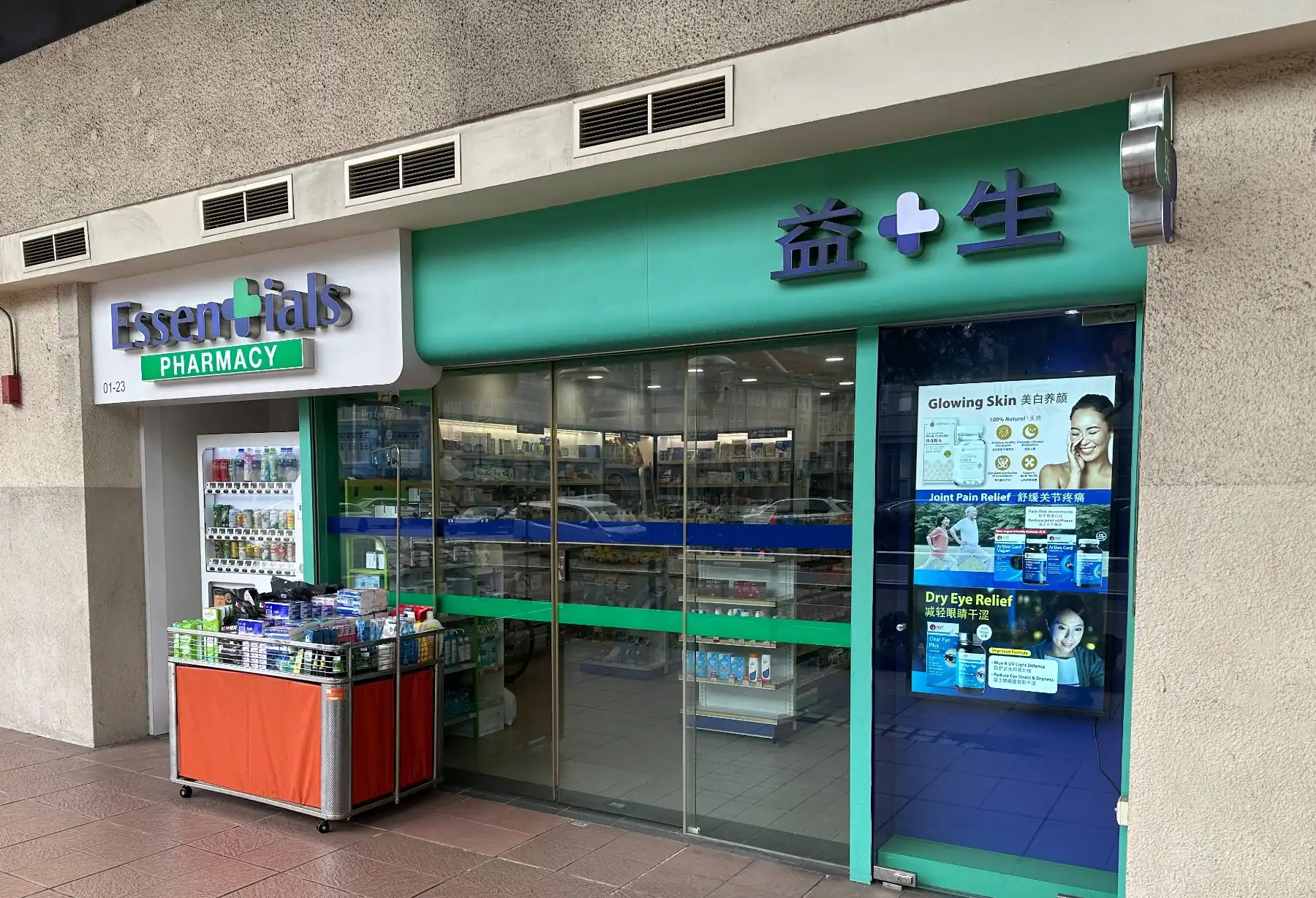
WallArt places the large 4K LCD screen inside a prepared feature wall for a cleaner, near-borderless appearance. Choose 65, 75 or 85 inch. WallArt uses the same Android player, built-in speakers and content features as Slim Signage.
The screen sits inside the recess on a Quick Lock Push Bracket. Confirm access and clearances with DS VISUAL before your contractor builds the recess.
The Quick Lock Push Bracket lets the screen come forward for settings and maintenance.
Read more about WallArt.
For interior designers and contractors, allow roughly 5 mm clearance on every side of the screen. The dimensions below are for landscape installation and include that clearance.
| Screen | Screen outer size (W × H) | Recess opening (W × H) | Total depth | Screen + bracket weight |
|---|---|---|---|---|
| 65 inch | 1440.3 × 816.5 mm | 1450.3 × 826.5 mm | 167 mm | About 70 kg + 12 kg |
| 75 inch | 1667.9 × 947.6 mm | 1677.9 × 957.6 mm | 201 mm | About 80 kg + 12 kg |
| 85 inch | 1889.6 × 1072.6 mm | 1899.6 × 1082.6 mm | 201 mm | About 90 kg + 12 kg |
Slim Signage can also sit in a recess. On a standard bracket, plan about 1 cm on each side; with the recessed bracket upgrade, about 5 mm each side. For recessed walls, ask us about a bracket upgrade so the screen can be pulled out for settings and maintenance.
With the Quick Lock Push Bracket, plan roughly 160 mm of recess depth (the bracket is about 105 mm deep when closed, plus the screen). It fits all Slim Signage sizes. The exact depth depends on the model, so check with us before the wall is built.
DS VISUAL supplies this product under its own brand and handles the warranty. Standard 1-year warranty, extendable by 1 or 2 years at additional cost.
Different people, different questions. Here's what we do for each.